本文阐述如何通过 Hexo 搭建 GitHub 个人主页
- 配置 GitHub Pages
- 配置 Hexo
- 部署
- 配置许可协议
配置 GitHub Pages
完成配置 GitHub Pages,打开 yuting-lin.github.io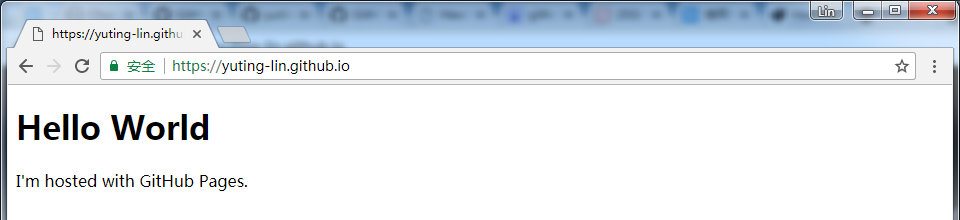
1. 注册
2. 搭建个人主页
参考 GitHub Pages
2.1 创建远程仓库
打开 Create a new repository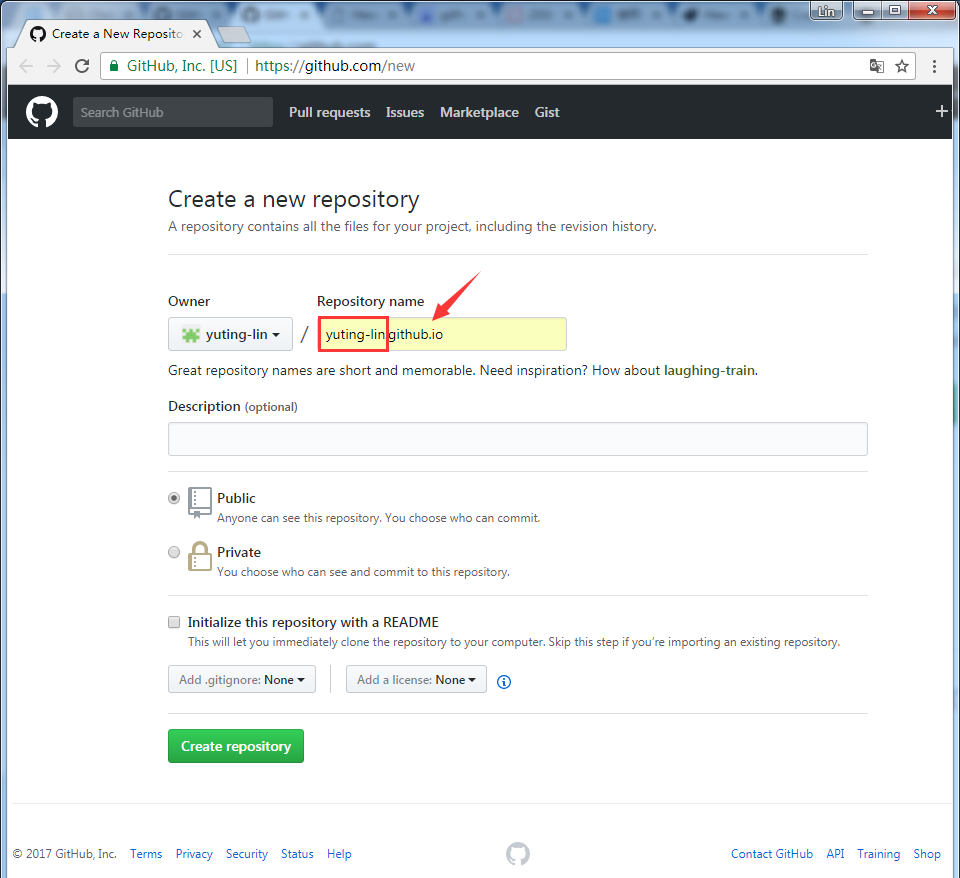
2.2 新建主页 index.html1
2
3
4
5
6
7<!DOCTYPE html>
<html>
<body>
<h1>Hello World</h1>
<p>I'm hosted with GitHub Pages.</p>
</body>
</html>
配置 Hexo
yuting-lin.github.io 存放静态文件
hexo.github.io 存放 Hexo 原始文件
完成配置 Hexo,打开 localhost:4000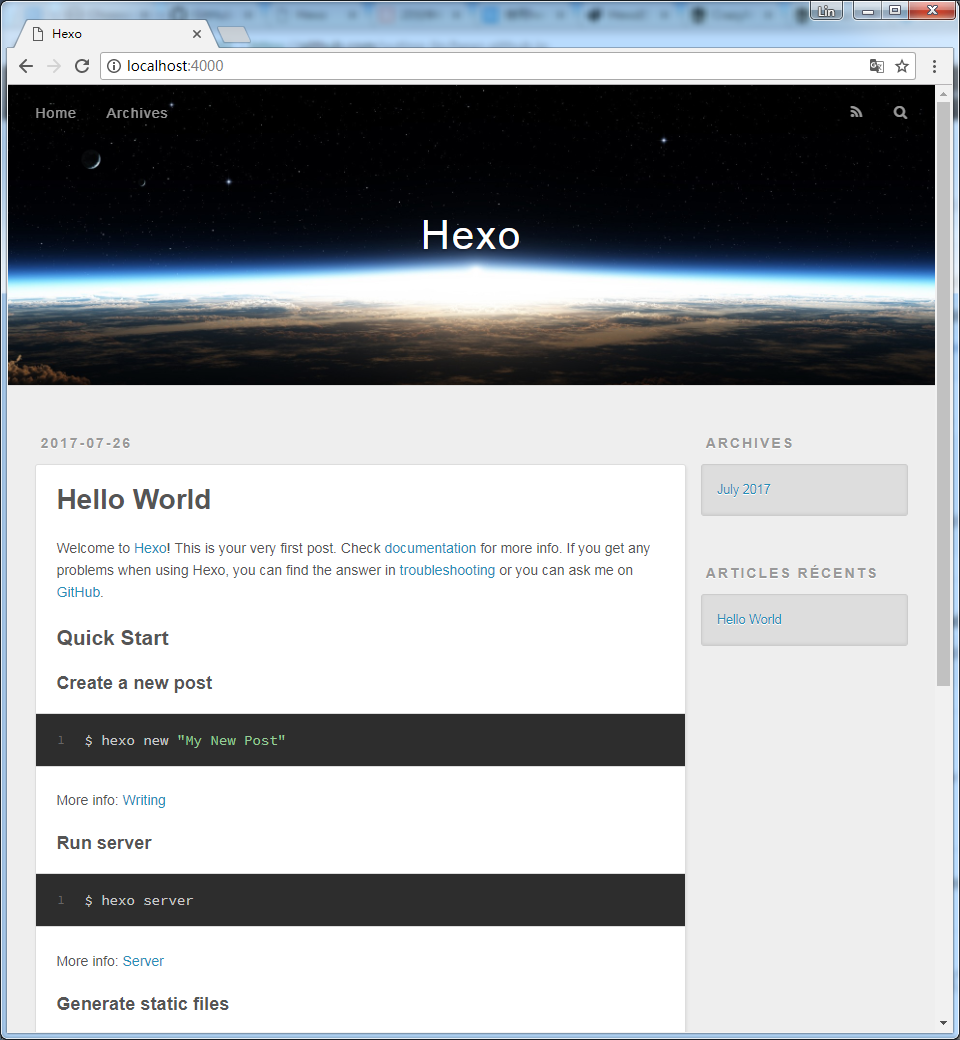
1. 安装 Hexo
参考 Hexo 文档
1.1 安装 Node.js
1.2 安装 Git
1.3 安装 Hexo1
C:\Users\yutinglin>npm install hexo-cli -g
路径: %appdata%\npm\node_modules\hexo-cli
2. 建站
2.1 新建网站
新建空文件夹 deploy 并新建网站
路径: D:\yutinglin\page\deploy1
D:\yutinglin\page>hexo init deploy
成功后提示1
INFO Start blogging with Hexo!
2.2 初始化1
2D:\yutinglin\page>cd deploy
D:\yutinglin\page\deploy>npm install
2.3 生成静态文件1
D:\yutinglin\page\deploy>hexo generate
2.4 启动服务器1
hexo server
1 | INFO Start processing |
部署
1. 添加 Deploy Key
1.1 查看 SSH Key1
2
3
4
5
6
7$ ls -al ~/.ssh
total 14
drwxr-xr-x 1 YutingLin 197121 0 七月 25 21:54 ./
drwxr-xr-x 1 YutingLin 197121 0 七月 26 00:29 ../
-rw-r--r-- 1 YutingLin 197121 1675 七月 25 21:46 id_rsa
-rw-r--r-- 1 YutingLin 197121 405 七月 25 21:46 id_rsa.pub
-rw-r--r-- 1 YutingLin 197121 407 七月 25 21:54 known_hosts
1.2 生成 SSH Key1
ssh-keygen -t rsa -C "stlinyuting@hotmail.com"
1.3 yuting-lin.github.io 添加 Deploy Key
打开 yuting-lin.github.io - Deploy keys
复制 ~/.ssh/id_ras.pub 内容,粘贴
勾选 Allow write access
2. 将建站内容 push 到 hexo.github.io
3. 配置 Hexo
修改 _config.yml1
2
3
4deploy:
type: git
repo: git@github.com:yuting-lin/yuting-lin.github.io.git
branch: master
执行命令1
D:\yutinglin\page\deploy>npm install hexo-deployer-git --save
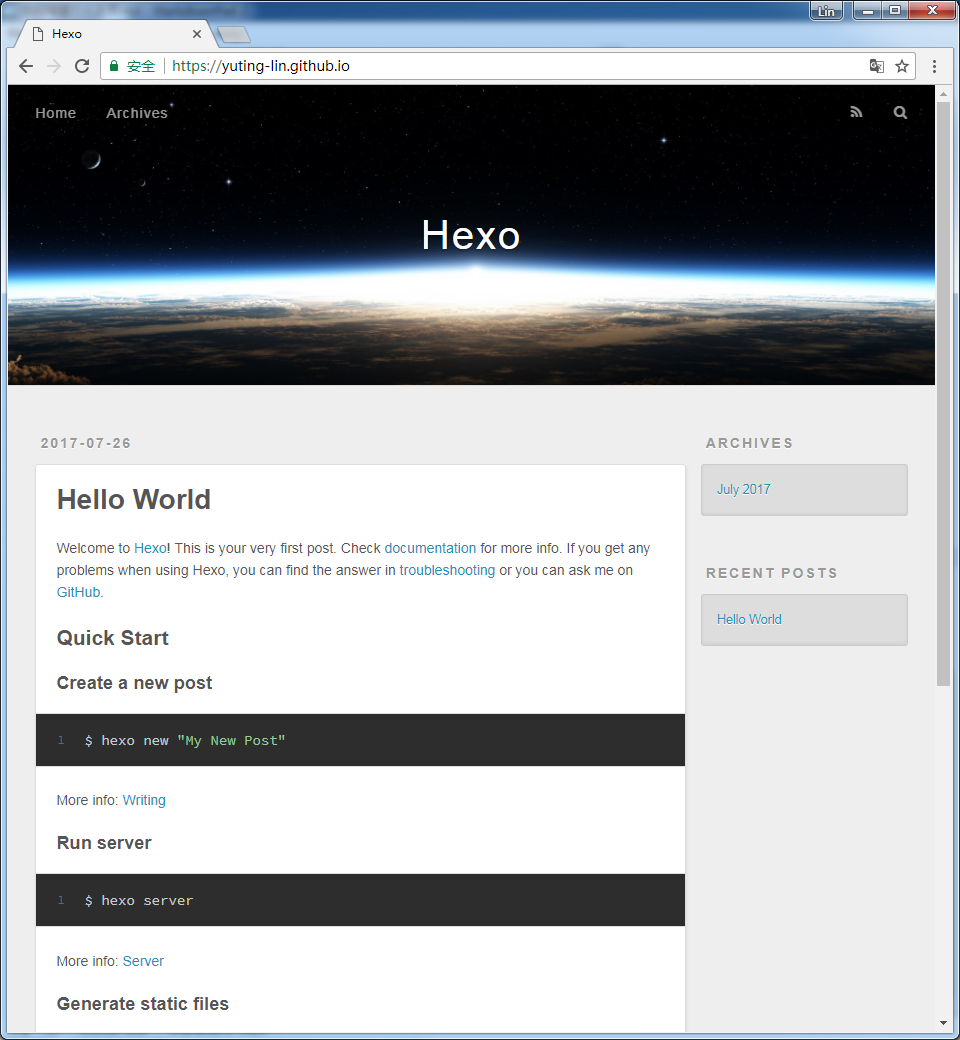
4. 部署
将修改内容 push 到 hexo.github.io1
D:\yutinglin\page\deploy>hexo deploy
成功后提示1
INFO Deploy done: git
配置许可协议
使用 Creative Commons 生成